
FireView IPT1.2.4 - App Store
You'll be able to see results in few seconds.
Publisher Description
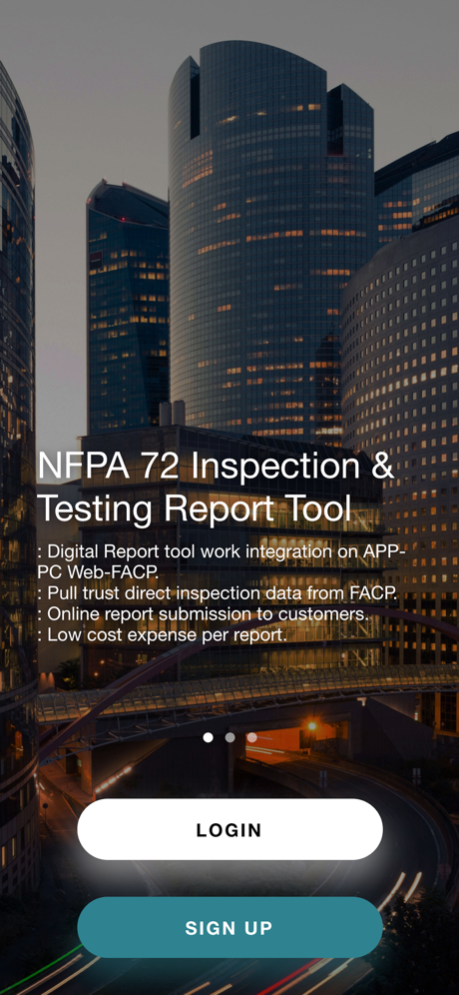
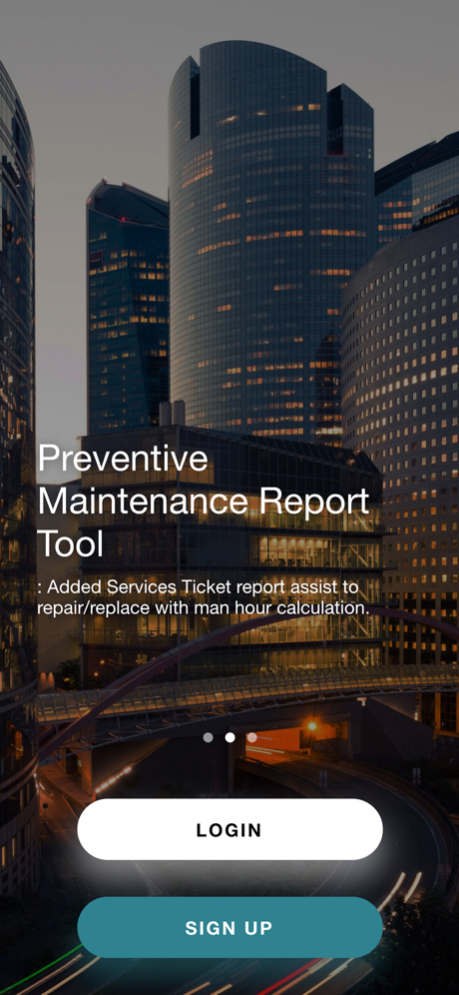


"FIREVIEW IPT" make fire alarm NFPA 72 testing & inspection report digitally. This tool is useful for fire alarm inspectors and facilities services/preventive maintenance companies. "FIREVIEW IPT" will pull inspection data from fire alarm control panel directly through platform and work on PCs/smartphone App as team work.
NFPA 72 Inspection & Testing Report Tool
: Digital Report tool work integration on APP-PC Web-FACP.
: Pull trust direct inspection data from FACP.
: Online report submission to customers.
: Low cost expense per report.
Preventive Maintenance Report Tool
: Added Services Ticket report assist to repair/replace with man hour calculation.
Smartphone App-PCs Base-Fire Alarm Control Panel Integration
: www.fireviewipt.com link to work with APP.
: Key controller to access FACP via WIFI through internet.
Dec 28, 2021
Version 1.2.4
Add new summary dashboard
About FireView IPT
The company that develops FireView IPT is Me Connected International Company Limited. The latest version released by its developer is 1.2.4.
To install FireView IPT on your iOS device, just click the green Continue To App button above to start the installation process. The app is listed on our website since 2021-12-28 and was downloaded 0 times. We have already checked if the download link is safe, however for your own protection we recommend that you scan the downloaded app with your antivirus. Your antivirus may detect the FireView IPT as malware if the download link is broken.
How to install FireView IPT on your iOS device:
- Click on the Continue To App button on our website. This will redirect you to the App Store.
- Once the FireView IPT is shown in the iTunes listing of your iOS device, you can start its download and installation. Tap on the GET button to the right of the app to start downloading it.
- If you are not logged-in the iOS appstore app, you'll be prompted for your your Apple ID and/or password.
- After FireView IPT is downloaded, you'll see an INSTALL button to the right. Tap on it to start the actual installation of the iOS app.
- Once installation is finished you can tap on the OPEN button to start it. Its icon will also be added to your device home screen.
Program Details
System requirements
Download information
Pricing
Version History
version 1.2.4
posted on 2021-12-28
Dec 28, 2021
Version 1.2.4
Add new summary dashboard
Disclaimer
Official App Store Link
We do not host FireView IPT on our servers. We did not scan it for viruses, adware, spyware or other type of malware. This app is hosted by Apple and passed their terms and conditions to be listed there. We recommend caution when installing it.
The App Store link for FireView IPT is provided to you by apps112.com without any warranties, representations or guarantees of any kind, so access it at your own risk.
If you have questions regarding this particular app contact the publisher directly. For questions about the functionalities of apps112.com contact us.
